Freecash verification: how the Veriff ID check works and how to fix it

Quick answer
Freecash verification is a one-time Veriff ID check before your first withdrawal, needing a government ID and a selfie, and taking up to five minutes. It cannot be bypassed and there is no alternative method; after your first withdrawal you don't verify again. If it fails, start it from inside Freecash, allow browser camera access, use good light and a physical ID, and make sure your details match.
Freecash verification is a one-time ID check you complete before your first withdrawal. It's run by a company called Veriff, needs a government-issued ID and a working camera for a selfie, and Freecash says it takes up to five minutes. It can't be skipped, and there's currently no alternative method. Once you've passed and made your first withdrawal, you don't need to verify again. If verification isn't working, the fix is usually lighting, the browser's camera permission, or details that don't match your ID.
We run Vazpop, a rewards site, so we know why cashout checks exist and where they trip people up. This guide uses Freecash's own help center, checked on 12 October 2026.
What Freecash verification involves
Freecash's first withdrawal guide sets out the steps. Before your first cashout, you'll be asked to confirm your email; until you do, tapping a cashout method shows a prompt titled "One Quick Step to Protect Your Payout". Then comes the ID check with Veriff. You'll need a physical government ID (a passport, driving licence or national or state ID) and camera access to take a selfie. Freecash says it takes up to five minutes.
The first withdrawal also has a minimum, which ranges from $5 to $20 depending on your region. After that first withdrawal, Freecash says you won't need to verify your ID or meet a minimum threshold again.
Why it can't be skipped
Freecash's verification article is direct: it's not possible to bypass the Veriff check. Freecash says ID verification helps prevent fraud, and its terms allow it to verify your identity before crediting or redeeming rewards, including by asking for a passport, driving licence or state ID, or by verifying your mobile number. If you have problems with Veriff, it asks you to contact its support team.
This isn't unusual. Advertisers pay reward sites for real, individual people, and checks like this stop one person cashing out from many accounts. Several other apps we've covered, including KashKick and Mistplay, also check ID before paying out.
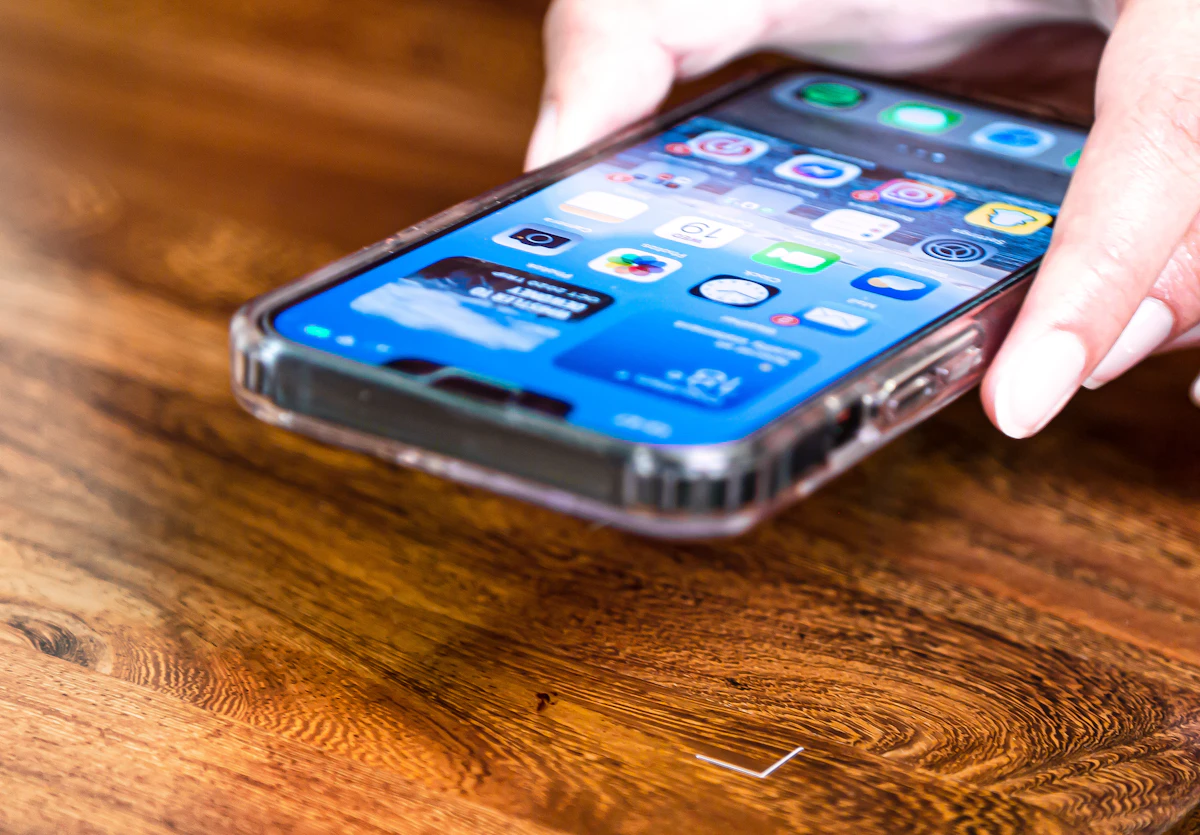
Most failed checks come down to light, camera permission or mismatched details. Photo by EFFYDESK on Unsplash.
Freecash verification not working? Try this
Start the check from inside Freecash
Open the verification from the Freecash app or site when you request a withdrawal, not from an old email or a saved link. Veriff's own help center notes that if you're asked for company information, you've probably landed on its business portal by mistake, and you should use the link your service provided and contact that service's support.
Allow camera access in the right place
The check usually opens in your browser, and the browser needs camera permission, not just the Freecash app. If the camera stays black, check the browser's site settings and your phone's privacy settings, then start again. One user reported being asked to continue in Chrome, so if your browser stalls, try another.
Get the photo right
Use a physical ID, not a photo of one. Lay it on a dark, plain surface in even light with no glare, and make sure all four corners are in the frame. For the selfie, face a window or lamp, remove glasses and hats, and hold still. Most failures are simply a blurry or reflective image.
Make sure your details match
The name on your Freecash account, your ID and your payout account should match. A nickname on your profile, or a PayPal account in someone else's name, is a common reason a check or payout doesn't go through.
Don't rush, but don't wait too long
Veriff sessions are time-limited for security. One Freecash user reported a timeout after about 10 minutes, with a "Start over" button. Have your ID ready before you begin, and finish in one go.
Then contact support
If it still fails, contact Freecash support with what happened at each step, the device and browser you used, and roughly when you tried. Since the check can't be bypassed, support is the only route to fixing a stuck verification.
What happens after you pass
Once you're verified and your first withdrawal has gone through, cashing out gets simpler. Freecash says you won't need to verify again or meet a minimum threshold. PayPal withdrawals run from $5 to $200 per transaction and carry a 5% fee, according to its PayPal help page, and most withdrawals now go through a payout partner called Tremendous, with a standard security hold before funds are released. Keep the same name and payout details you verified with, since changing them is a common trigger for extra checks.
How often does this go wrong?
Not often, but it stings when it does. In Freecash's 500 most recent written App Store reviews, 18 mentioned verification, and 15 of those were among the 148 bad reviews. That makes ID checks about 10% of Freecash's complaints, a higher share than most apps in our study of reward app reviews. For Freecash's other common hold-ups, see Freecash pending earnings.
Cashing out without an ID selfie
If you'd rather not send an ID and selfie to a rewards site, Vazpop doesn't ask for one. Instead, every cashout is checked before it's sent, which protects your balance from account takeovers, and payments go out within 1 to 3 business days. The minimum is $5 in every country, to PayPal, gift cards or USDC, with no fees. We compare the two in detail in Vazpop vs Freecash.
Frequently asked questions
Can I skip Freecash verification?
No. Freecash's help center says the Veriff ID check can't be bypassed and there is currently no alternative method. Contact support if Veriff isn't working.
How long does Freecash verification take?
Freecash says the Veriff check takes up to five minutes. You need a physical government ID and camera access for a selfie.
Do I have to verify every time I withdraw on Freecash?
No. Freecash says that after your first withdrawal you don't need to verify your ID or meet a minimum threshold again.
Why does my Freecash verification keep failing?
Common causes are blurry or glare-covered photos, the browser lacking camera permission, an old or wrong link, a session timeout, or account details that don't match your ID.
Ready to try it yourself?
Free to join. Every payout is on a ledger you can read, so you always know where you stand.
Create a free accountKeep reading

How rewards sites work
AttaPoll no surveys available? 7 reasons and how to get more
An empty survey list on AttaPoll has a handful of causes, and one of them needs a fresh account. Here's how to tell which is yours.
Ben · Oct 23, 2026 · 4 min read

How rewards sites work
Mistplay not tracking? Fixes for iPhone and Android, from Mistplay's own help
Install stuck on 'confirming', or a goal with no points? Here are Mistplay's own fixes for iPhone, plus the Android settings that matter.
Ben · Oct 20, 2026 · 4 min read

How rewards sites work
Freecash pending earnings: the 3 reasons your rewards are held and what to do
Pending on Freecash can mean three different things. Here's how to tell which one you have and what actually fixes it.
Ben · Oct 18, 2026 · 4 min read